Primalyst AI
Ask about food and routines with the context you choose to share. Keep the conversation going.
Follow a daily plan, read the full guide, and check off tasks as you go.
The Den brings today's tasks, active protocols, steps, and supporting tools together. Start with what matters today, then open the tools you need.
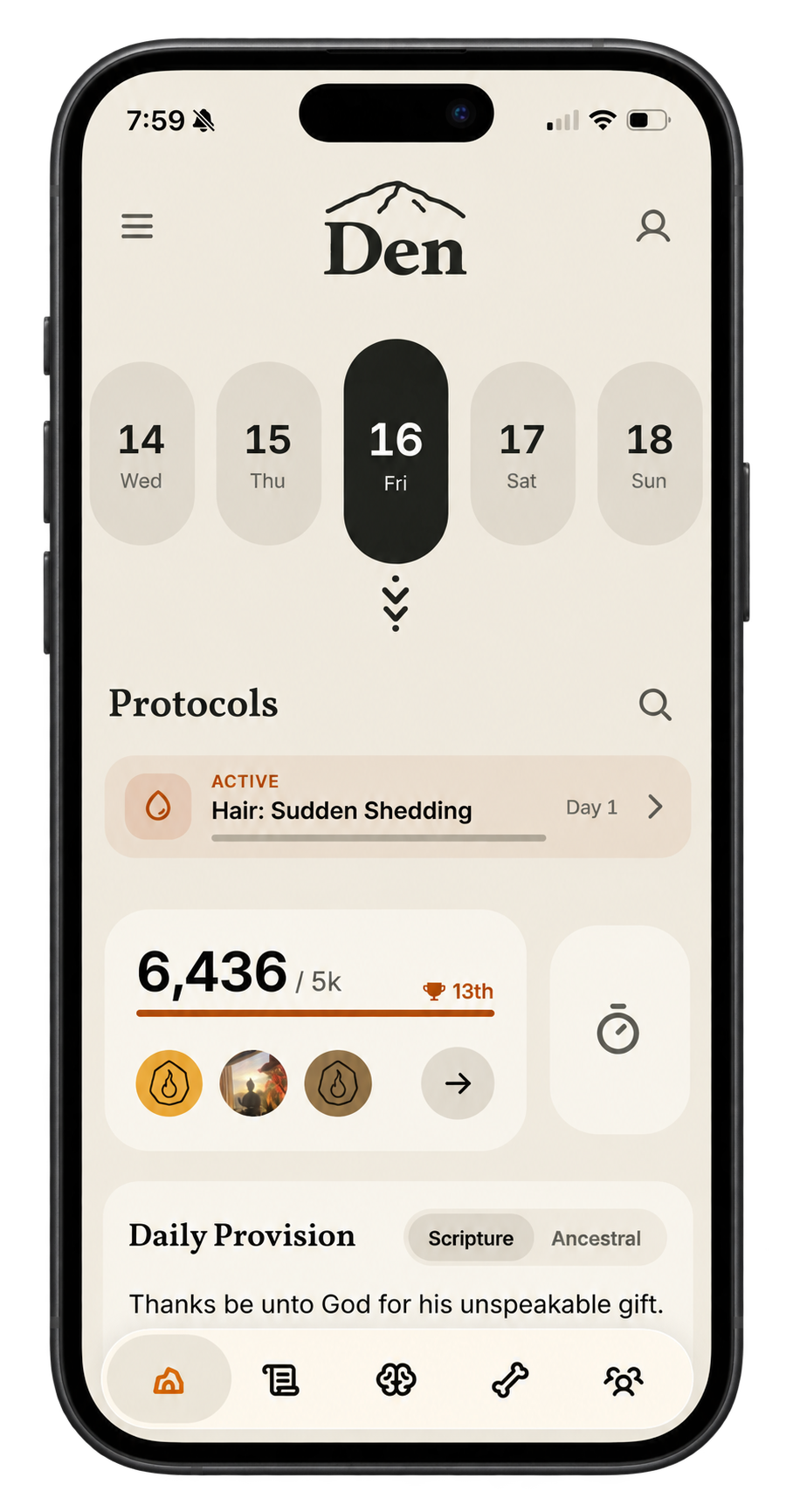
A daily checklist for personal tasks and protocol tasks.
See today's protocol tasks for each plan.
Track your steps and compete against other Primalyst's.
Short daily readings from the ancestral or scripture collection to start the day.
Set a timer for a focused work session.
Find farms near you when you choose to share your location.
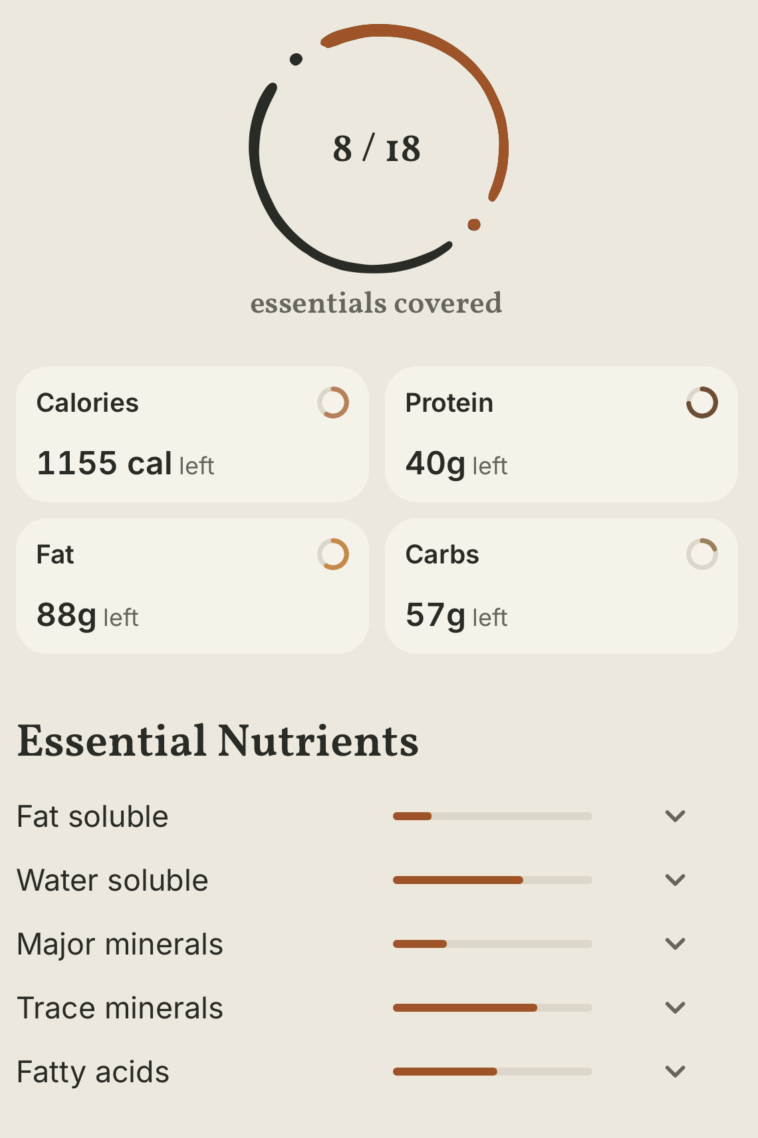
Log your food and see macros alongside coverage of 18 essential micronutrients.
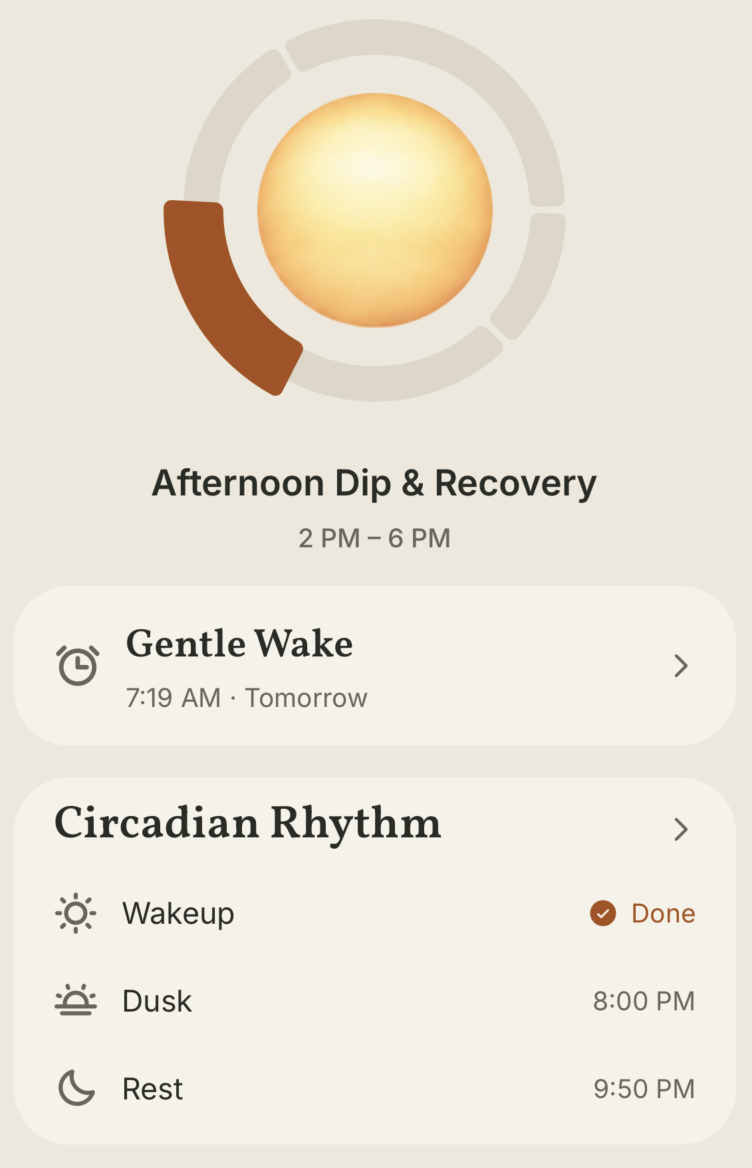
Setup circadian rhythm daily reminders and set a gentle wake alarm.
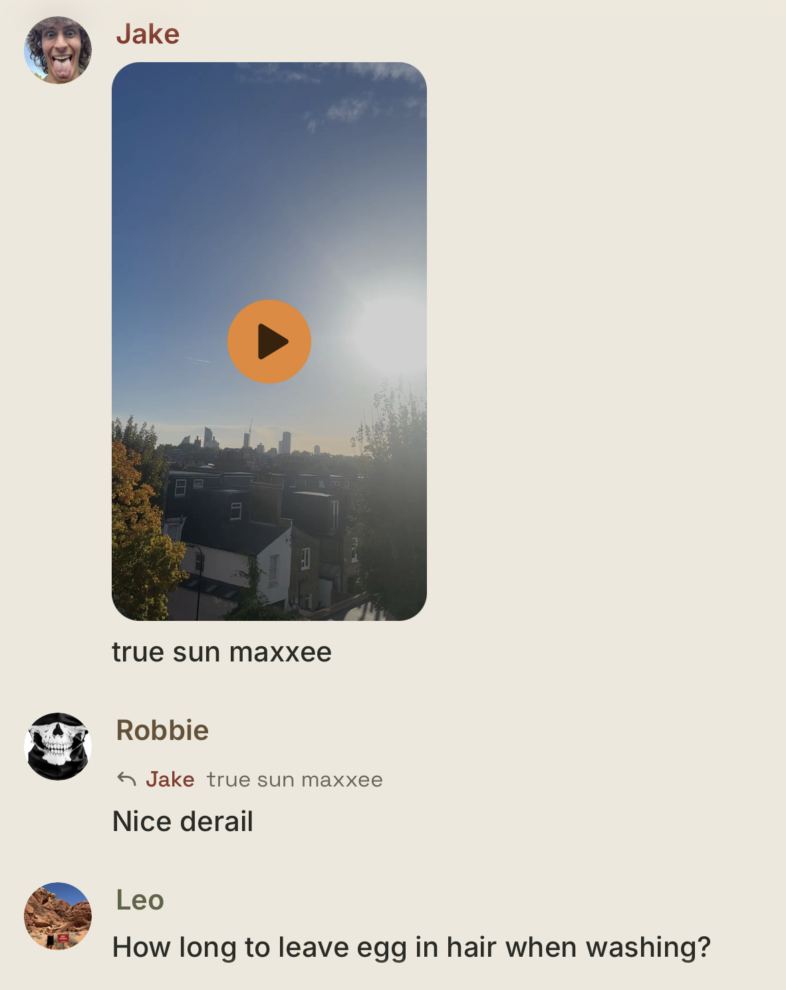
Join the community, share posts, and keep conversations going in DMs.
Welcome to Primalyst support. We're here to help you get the most out of the app.
Email supportIn the Den menu, open Settings → Manage Plan. Choose an available subscription plan, review the price and billing period, and confirm the purchase with your Apple Account.
Pro provides higher Primalyst AI usage limits and access to Pro protocols. Feast and all Circadian features are free. Free accounts also get three AI questions each week.
In Primalyst, open Settings → Manage Plan → Manage on App Store. You can also open iPhone Settings → your name → Subscriptions → Primalyst. Follow Apple's options to change or cancel your subscription. Canceling stops renewal; Pro stays active until your subscription expires.
Open Settings → Manage Plan, scroll to the bottom, and tap Restore Purchases. Make sure you're signed in with the same Apple Account you used to subscribe.
No. Primalyst Pro does not currently include a free trial. Open Manage Plan in the app to review the available subscription options and prices before confirming a purchase.
For purchases billed by Apple, request a refund at reportaproblem.apple.com. Apple determines refund eligibility and handles the request.
Open Settings, scroll to the bottom, tap Delete Account, and confirm. This permanently deletes your Primalyst account. Account deletion does not cancel your Apple subscription; cancel it separately in your iPhone subscription settings.
Email support@primalyst.app with the details. For bugs, include your device model, iOS version, app version, and the steps that led to the problem. You can also open Settings → Contact & Support in the app.